Complex Missions, part 3
Likewise, tick on the “Edit” radio button for leg number 2, and change the arrival airport to your home airport. In this case, CHD.
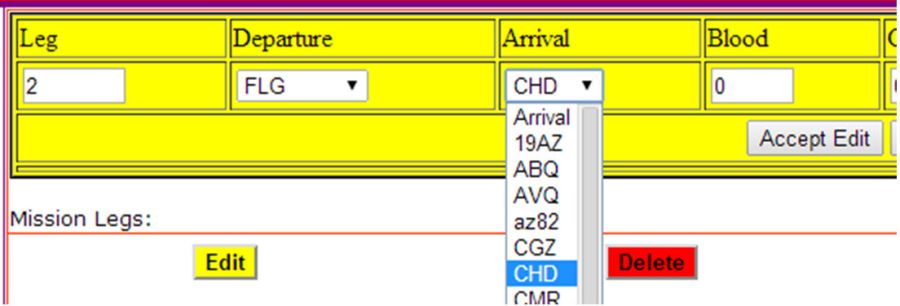
Click on the gray “Accept Edit” button and your second mission now appears as you flew it.
Enter the number and type(s) of boxes that you delivered to FLG and enter the Hobbs time for each leg.
Click on the green “Update Legs” button and complete the pilot and passenger information.

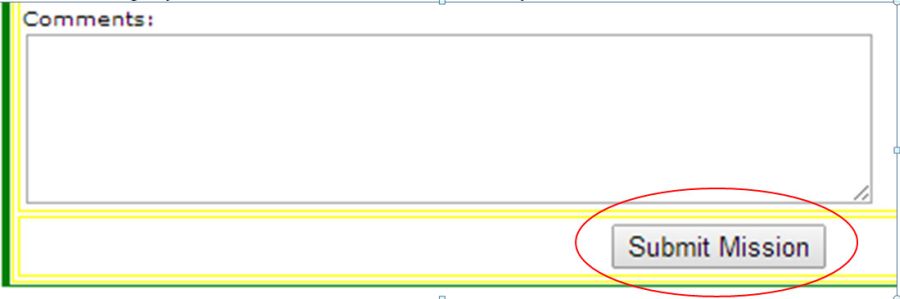
Click on the gray “Submit Mission” button to submit your second mission.