Canceling the Mission
If you cancel your mission, promptly promptly inform your specific Medical Organization's Dispatcher by phone.
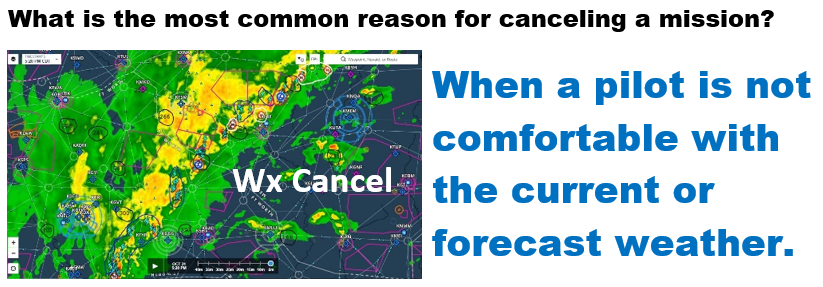
The evening before your flight, check the weather forecast. If you are not comfortable with the forecast and wish to cancel:
3- Log into http://www.epilotlogs.com/ . . . On your Pilot Home Page, under "Scheduled Missions", click on the "Remove/Cancel" link adjacent to the Mission Number

If the weather is not acceptable, let them know
If you are not comfortable with the weather, the Dispatcher would appreciate as much notice as possible, preferably by 8:00 PM the night before.